First-Year Students beginning Fall 2026
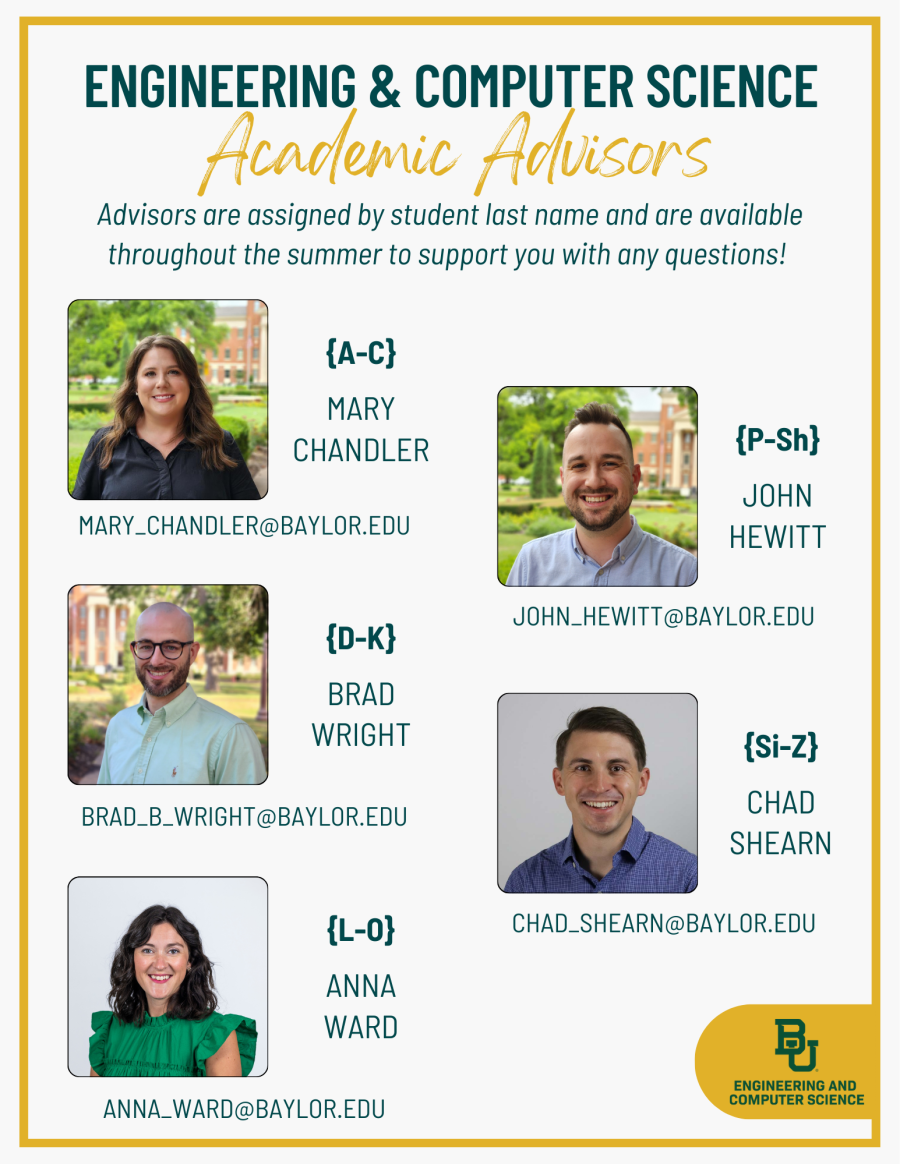
Students beginning at Baylor in Fall 2026 will be advised throughout the month of June. Each student will attend a Group Advising session, followed by a one-on-one appointment with their advisor. View the Advising Checklist below for more detailed information and action items.
Advising Checklist (Fall 2026 Admits)
1. Schedule a Group Advising Session via Navigate
A scheduling link will be sent to your Baylor E-mail beginning May 27. Group sessions will be offered via Zoom throughout the month of June. Be sure that your group advising appointment does not overlap with your Orientation or Line Camp session.
2. Prepare for Group Advising
- Complete Foundations, a set of online modules that will help prepare you for Baylor!
- Access your goBaylor account and...
- Complete the New Student Questionnaire.
- Access any placement exams necessary before registration.
- Verify that your major appears correctly. To update, contact your Admissions Counselor and notify ECS_Advising@baylor.edu of the change.
- DOWNLOAD the Navigate Baylor App and ensure registration holds have been resolved.
- View Equipment & Computer Requirements for your major.
- Download the ECS flowchart for your intended major, and ensure you can edit the PDF. You'll mark up your flowchart electronically during your group advising session.
3. Participate in Group Advising Session {45 minutes}
ECS Advisors will review critical advising information and guide students through the Fall 2026 course selection process.
4. Submit ECS Registration Form
You'll receive this form after your Group Advising session to upload your completed flowchart and share schedule preferences so your advisor can build your schedule. After submitting, you will receive access to schedule a one-on-one appt. with your advisor.
5. One-on-One Advising Check-In {30 minutes}
Your assigned advisor will review your Fall 2026 schedule with you, address any questions, and ensure that you feel prepared for your transition to Baylor!
6. Post-Registration Steps
After you have been registered, you can buy a meal plan, register a vehicle, and address other important action items. Access the complete list HERE. Contact your assigned advisor if you have any additional questions throughout the summer!